
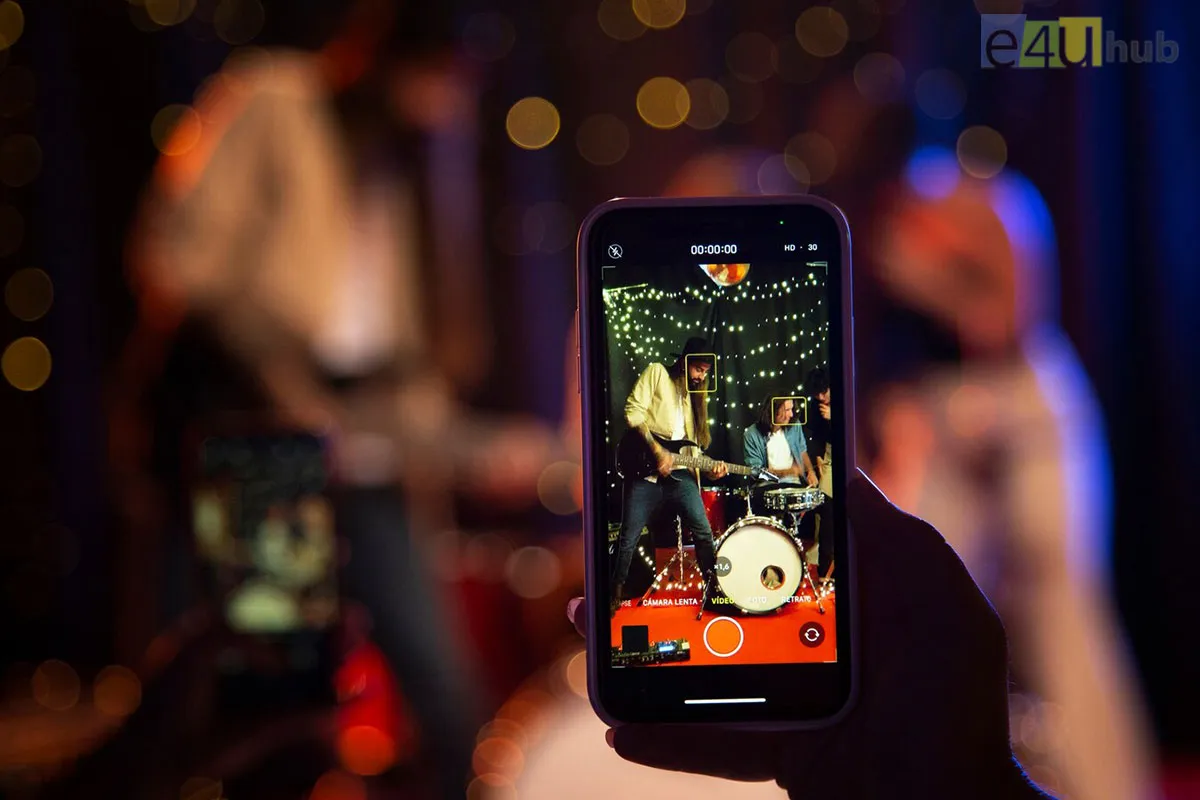
How To Turn Your Smartphone Into An Entertainment Center
Transforming your smartphone into an entertainment center is easier than you might think. With a few simple steps and the right apps, you can enjoy a world of music, movies, games, and more right from the palm of your hand. Here's a straightforward guide on how to do just that:
1. Music Streaming Apps:
a. Download a Music App: Choose a music streaming app like Spotify, Apple Music, or YouTube Music.
b. Create Playlists: Build playlists for different moods or activities, ensuring your favorite tunes are always at your fingertips.
c. Offline Listening: Take advantage of offline listening features for uninterrupted music even without an internet connection.
2. Video Streaming Platforms:
a. Install Video Apps: Download apps like Netflix, Hulu, or Amazon Prime Video for a vast library of movies and TV shows.
b. Download Content: Many platforms allow you to download content for offline viewing, perfect for long journeys or areas with limited connectivity.
3. Gaming Apps:
a. Explore Mobile Games: Install popular games or explore genres that interest you from app stores.
b. Connect a Controller: For a more immersive gaming experience, consider connecting a compatible controller to your smartphone.
4. eBook Readers:
a. Choose an eBook App: Download an eBook app like Kindle or Apple Books.
c. Build Your Library: Start building a digital library with your favorite books and explore new releases or genres.
5. Podcast Apps:
a. Discover Podcasts: Install a podcast app like Spotify, Apple Podcasts, or Google Podcasts.
b. Subscribe to Favorites: Subscribe to podcasts covering topics you enjoy, whether it's storytelling, news, or comedy.
6. Photo and Video Editing:
a. Editing Apps: Explore apps like Adobe Lightroom or VSCO for photo editing and iMovie for simple video editing.
b. Create Memories: Edit your photos and videos to create memorable content directly from your smartphone.
7. News and Magazine Apps:
a. Stay Informed: Download news apps like BBC News, CNN, or your preferred news source for real-time updates.
b. Magazine Subscriptions: Subscribe to digital magazines covering your interests.
8. Social Media and Content Creation:
a. Connect on Social Media: Stay connected with friends and family through social media apps like Instagram, Facebook, and Twitter.
b. Content Creation Apps: Use apps like TikTok or Instagram for creating and sharing your own content.
9. Virtual Reality (VR):
a. Explore VR Apps: If your smartphone supports VR, explore virtual reality apps for a unique and immersive experience.
b. VR Headsets: Consider investing in a compatible VR headset for a more immersive entertainment experience.
10. Bluetooth Accessories:
a. Wireless Audio: Connect Bluetooth headphones or speakers for an enhanced audio experience.
b. Game Controllers: For gaming enthusiasts, pair a Bluetooth game controller for better control.
By curating your smartphone with these apps and accessories, you'll have an entertainment center at your fingertips, offering a diverse range of content for every mood and interest. It's a simple way to carry your favorite entertainment wherever you go.

Prev Post












Leave a Reply