
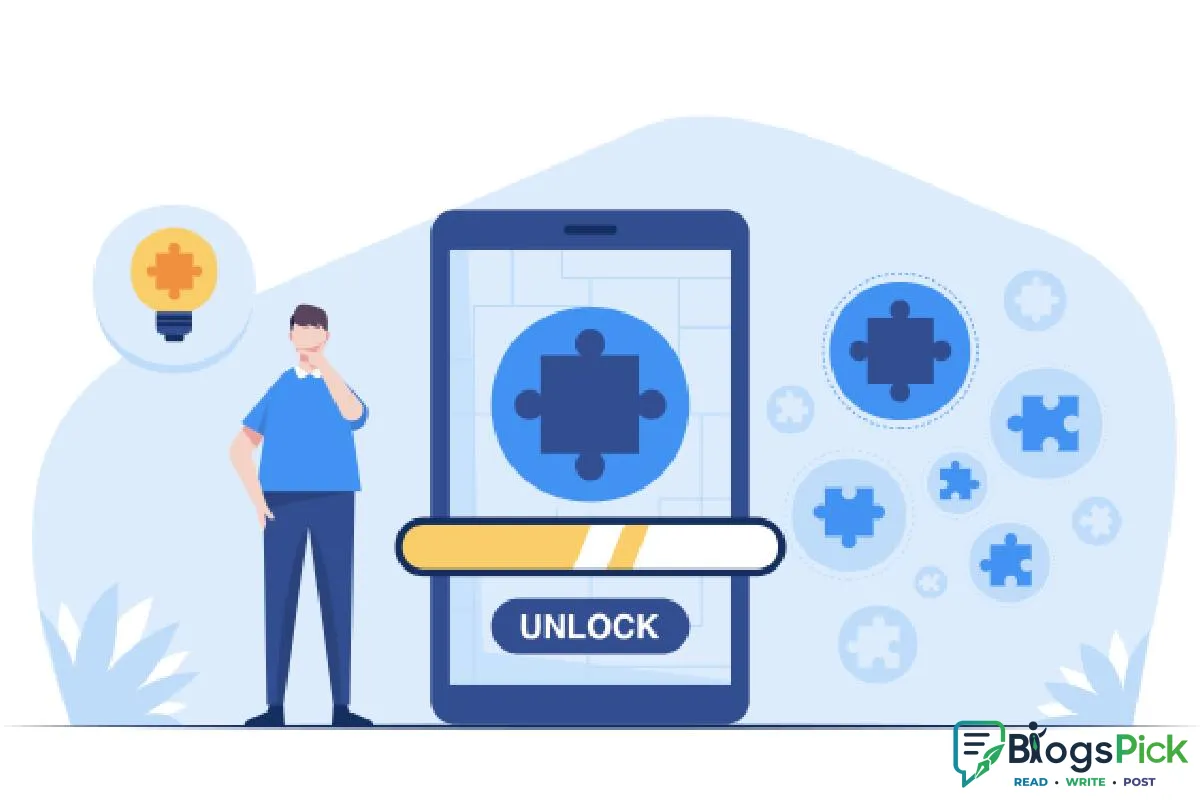
How to Make Your Old Phone Feel Fast Again
How to Make Your Old Phone Feel Fast Again
Is your smartphone becoming slow, laggy, or frustrating to use? Before spending money on a new device, try these simple tips to improve your old phone's performance.
1. Delete Unnecessary Apps
Over time, we install many apps that we rarely use. These apps can consume storage, memory, and background resources.
Remove apps you no longer need to free up space and improve performance.
2. Clear Storage Space
A phone with almost full storage can become significantly slower. Delete unnecessary photos, videos, downloads, and duplicate files.
Try to keep enough storage space free for smoother performance.
3. Clear App Cache
Cached files can accumulate over time and take up valuable storage. Clearing unnecessary cache can help certain apps run more smoothly.
4. Update Your Apps and Software
Software updates often include performance improvements, bug fixes, and security updates.
Make sure your important apps and operating system are updated to the latest version supported by your device.
5. Reduce Background Apps
Too many apps running in the background can slow down your phone and drain its battery.
Close unnecessary apps and restrict background activity for apps you don't use frequently.
6. Restart Your Phone Regularly
A simple restart can clear temporary processes and refresh your phone's memory.
Restarting your phone occasionally can help improve its overall performance.
7. Reduce Animations and Visual Effects
Fancy animations and visual effects can make older phones feel slower. Reducing animations can make navigation feel faster and more responsive.
8. Check Your Battery Health
An old or degraded battery can sometimes affect your phone's performance. If your battery drains quickly or the phone unexpectedly shuts down, consider getting the battery checked or replaced.
9. Factory Reset as a Last Option
If your phone is still extremely slow after trying everything else, back up your important data and consider a factory reset.
Remember that a factory reset removes your data, so always create a backup first.
Final Thoughts
You don't always need the latest smartphone to enjoy a smooth digital experience. With proper storage management, fewer unnecessary apps, regular updates, and simple maintenance, you can make your old phone feel faster again.
















Leave a Reply