
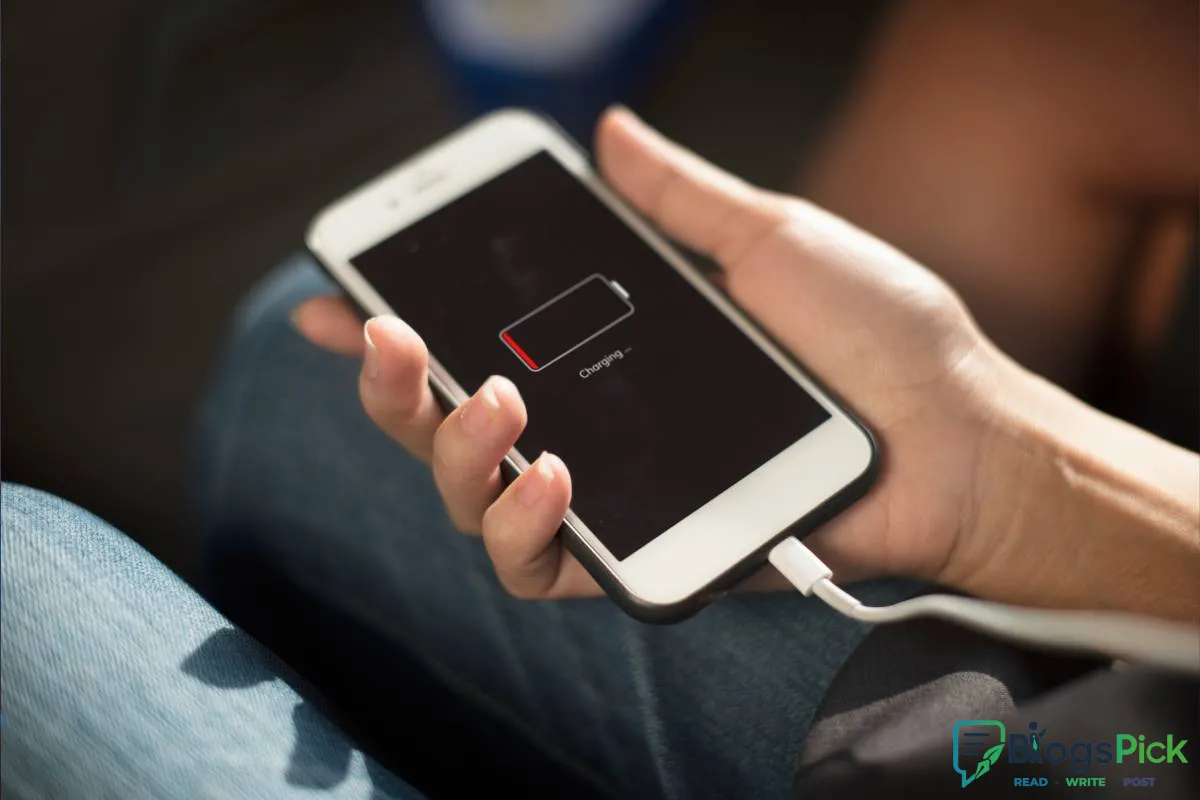
Why your phone battery won't last
Why Your Phone Battery Won't Last: Common Causes and Simple Fixes
Smartphones have become an essential part of our daily lives, helping us stay connected, work efficiently, and entertain ourselves. However, one of the most common frustrations users face is poor battery life. If your phone battery seems to drain faster than it used to, you're not alone. Understanding the reasons behind battery drain can help you extend your device's battery life and improve its performance.
1. Too Many Apps Running in the Background
Many apps continue to operate even when you're not actively using them. Social media apps, messaging platforms, and location-based services frequently update in the background, consuming battery power.
Solution:
- Close unused apps.
- Restrict background activity for non-essential applications.
- Review battery usage in your phone settings.
2. High Screen Brightness
Your phone's display is one of the biggest battery consumers. Keeping the brightness level too high can significantly reduce battery life.
Solution:
- Enable auto-brightness.
- Reduce screen brightness manually when indoors.
- Use dark mode when available.
3. Constant Location Services
GPS and location tracking are useful features, but they consume a considerable amount of power when left on continuously.
Solution:
- Turn off location services when not needed.
- Allow location access only while using specific apps.
4. Poor Network Signal
When your phone struggles to maintain a connection due to weak network coverage, it works harder to search for a signal, draining the battery more quickly.
Solution:
- Use Wi-Fi whenever possible.
- Enable Airplane Mode in areas with no signal.
5. Outdated Software
Software updates often include battery optimization improvements and bug fixes. Running outdated software can negatively impact battery performance.
Solution:
- Keep your operating system updated.
- Regularly update installed applications.
6. Excessive Notifications
Every notification lights up your screen, triggers vibrations, and uses processing power.
Solution:
- Disable unnecessary notifications.
- Prioritize alerts from important apps only.
7. Battery Aging
All smartphone batteries degrade over time. After hundreds of charging cycles, batteries naturally lose their ability to hold a full charge.
Solution:
- Replace the battery if your phone supports it.
- Consider upgrading if the device is several years old.
8. Overheating Issues
Heat is one of the biggest enemies of battery health. Prolonged exposure to high temperatures can permanently reduce battery capacity.
Solution:
- Avoid direct sunlight.
- Remove the phone case during intensive tasks if it causes overheating.
- Avoid charging while gaming.
9. Heavy Usage Habits
Streaming videos, playing graphics-intensive games, and multitasking can quickly drain your battery.
Solution:
- Reduce screen-on time.
- Lower graphics settings in games.
- Use battery saver mode when needed.
10. Poor Charging Practices
Frequently letting your battery drain to 0% or keeping it plugged in at 100% for extended periods can affect long-term battery health.
Solution:
- Keep battery levels between 20% and 80% when possible.
- Use original or certified chargers.
Final Thoughts
A phone battery that doesn't last all day can be frustrating, but in many cases, simple adjustments can make a noticeable difference. By managing app usage, optimizing settings, and following healthy charging habits, you can extend both your daily battery life and the overall lifespan of your device.
Remember, batteries naturally wear out over time, but smart usage habits can help you get the most from your smartphone for years to come.

Next Post
10 Quick Meals for Busy Weeknights
















Leave a Reply