
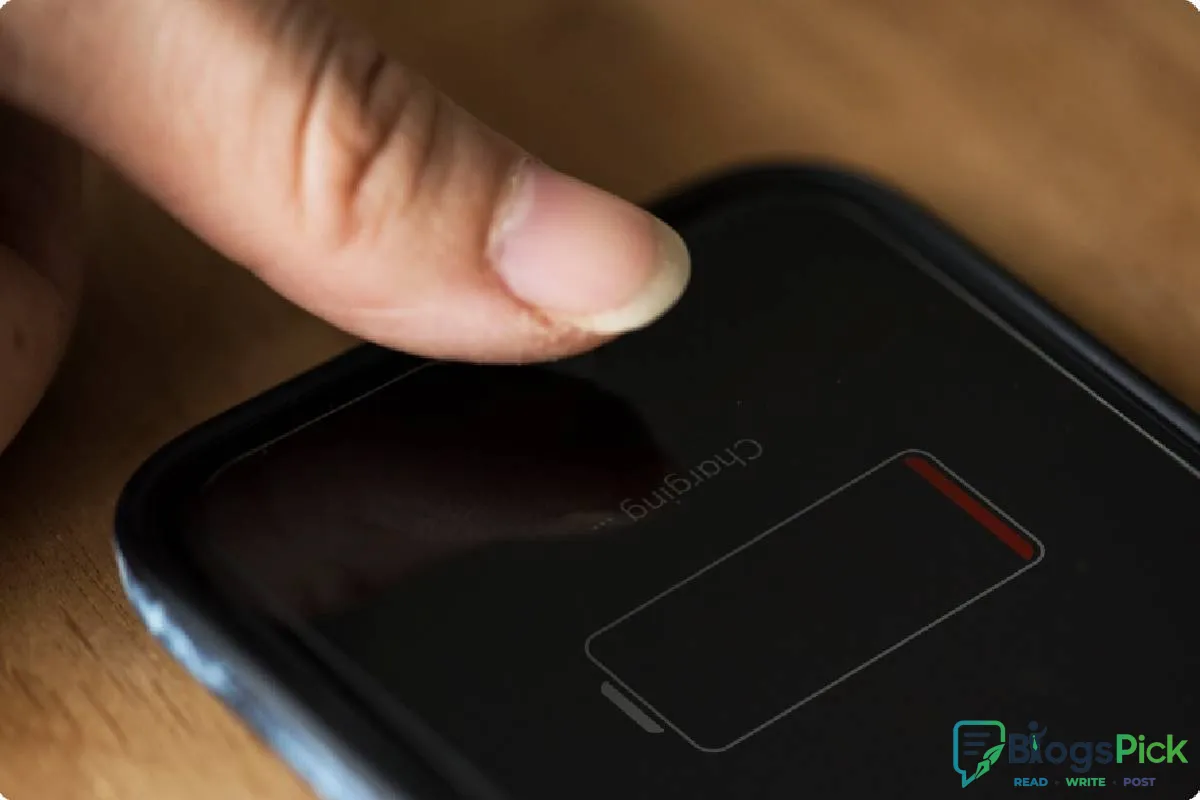
How to keep your phone battery from dying
How to Keep Your Phone Battery from Dying
In today's digital world, our smartphones are essential for communication, work, entertainment, and navigation. Nothing is more frustrating than seeing your battery percentage drop rapidly when you need your phone the most. Fortunately, with a few simple habits, you can significantly improve your phone's battery life and keep it running throughout the day.
1. Reduce Screen Brightness
Your screen is one of the biggest battery consumers. Lowering the brightness or enabling auto-brightness can help conserve battery power. Using dark mode on devices with OLED displays can also reduce energy consumption.
2. Turn Off Unused Features
Features such as Bluetooth, GPS, NFC, and Wi-Fi continue to consume power even when not actively being used. Turn them off when you don't need them to extend battery life.
3. Close Battery-Draining Apps
Some apps run in the background and constantly consume battery. Check your battery usage settings and close or uninstall apps that use excessive power.
4. Enable Battery Saver Mode
Most smartphones include a built-in battery saver mode that limits background activity and reduces performance slightly to extend battery life. Activate it when your battery starts running low.
5. Keep Your Software Updated
Manufacturers regularly release updates that improve battery optimization and fix bugs. Keeping your operating system and apps updated can help improve overall battery performance.
6. Limit Background App Refresh
Many apps continue to refresh content in the background. Disabling background app refresh for non-essential apps can reduce unnecessary battery drain.
7. Avoid Extreme Temperatures
High heat and extreme cold can damage your battery and reduce its efficiency. Try to keep your phone at a moderate temperature and avoid leaving it in direct sunlight.
8. Use Original Chargers
Always use the charger recommended by the manufacturer. Low-quality chargers may affect battery health and charging efficiency over time.
9. Reduce Notifications
Constant notifications wake up your screen and use battery power. Disable notifications from apps that are not important to reduce battery consumption.
10. Charge Smartly
Avoid letting your battery drop to 0% frequently. Experts recommend keeping your battery between 20% and 80% whenever possible to maintain long-term battery health.
Conclusion
A few small adjustments can make a big difference in your phone's battery life. By managing screen brightness, limiting background activity, updating your software, and using battery-saving features, you can keep your phone powered throughout the day and improve the lifespan of your battery.
Start following these tips today and enjoy longer-lasting battery performance without constantly searching for a charger.

















Leave a Reply