
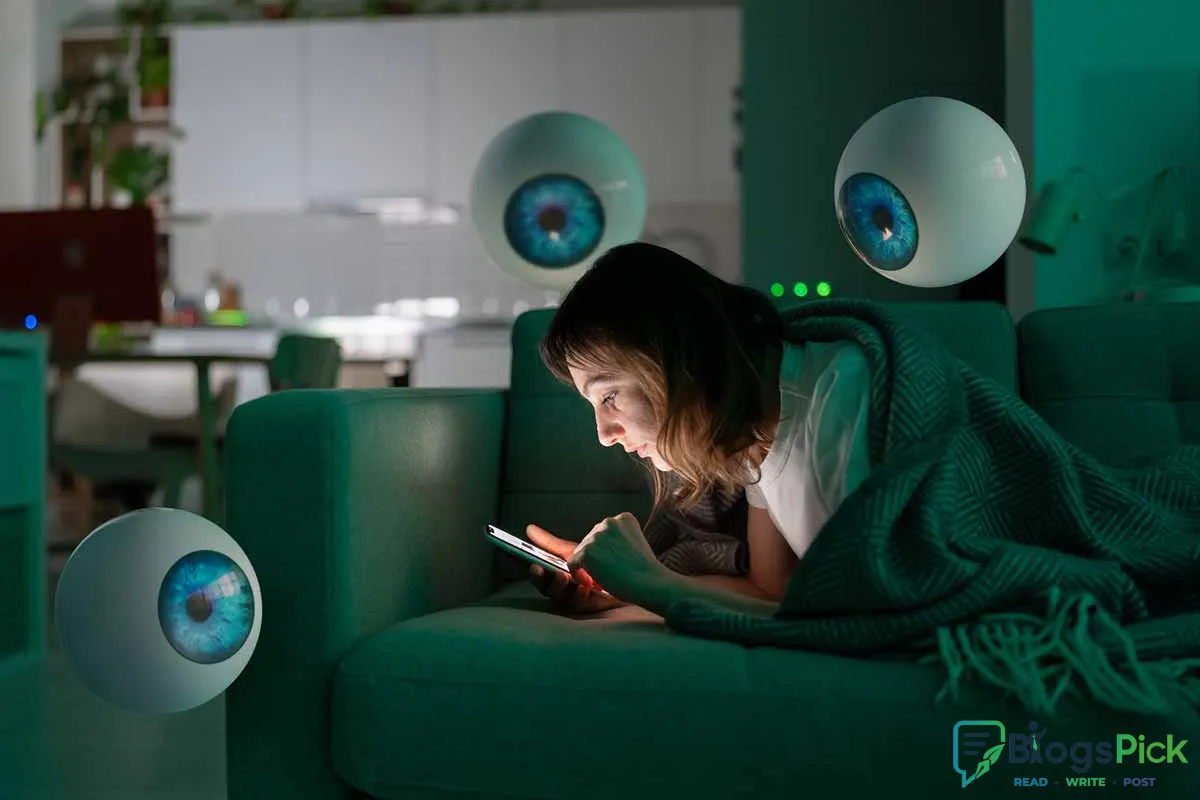
Why Smart Devices Spy on You and What to Do
Why Smart Devices Spy on You and What to Do About It
Smart devices have made our lives easier than ever. From voice assistants and smart TVs to fitness trackers and home security cameras, everything is connected. But while these devices bring convenience, they also collect massive amounts of personal data — often more than we realize.
The big question is: Are smart devices spying on you?
Let’s understand what’s really happening — and what you can do to protect yourself.
How Smart Devices Collect Your Data
Smart devices are designed to gather data to function properly. However, many collect far more information than necessary.
Here’s how they do it:
1. Always-Listening Microphones
Voice assistants like Alexa or Google Assistant constantly listen for wake words. While companies claim they only record after activation, accidental recordings can happen.
2. Location Tracking
Smartphones, fitness bands, and even some apps track your location continuously — even in the background.
3. Usage Monitoring
Smart TVs track what you watch. Apps monitor what you click, search, and buy.
4. Camera Access
Some apps request camera permissions even when not required for their core functionality.
5. Data Sharing with Third Parties
Many companies share or sell anonymized (and sometimes identifiable) data to advertisers and analytics firms.
Why Companies Collect So Much Data
It usually comes down to three main reasons:
- Targeted Advertising – More data means more personalized ads.
- Product Improvement – Companies analyze behavior to improve features.
- Profit – Data is extremely valuable in today’s digital economy.
Remember: If a product is free, your data is often the real price.
Are They Really “Spying”?
Technically, most companies say they are not spying — they are collecting data based on terms you agreed to. But the problem is:
- Privacy policies are long and confusing.
- Permissions are often excessive.
- Many users don’t fully understand what they consent to.
So while it may not be secret spying, it can still feel invasive.
Signs Your Privacy May Be at Risk
- Ads appear related to private conversations.
- Your battery drains quickly (background tracking).
- Apps ask for unnecessary permissions.
- Smart devices respond unexpectedly.
What You Can Do to Protect Yourself
The good news? You are not powerless. Here are practical steps you can take:
1. Review App Permissions Regularly
Go to your phone settings and:
- Disable microphone access for unnecessary apps.
- Turn off location access for apps that don’t need it.
- Restrict camera permissions.
2. Turn Off Voice Recording Storage
Check your voice assistant settings and delete stored recordings regularly.
3. Use Strong Wi-Fi Security
- Change your router password.
- Use WPA3 or WPA2 encryption.
- Disable WPS if not needed.
4. Update Devices Frequently
Updates often include security patches that fix vulnerabilities.
5. Use Privacy-Focused Browsers and Search Engines
Consider browsers with tracking protection and disable third-party cookies.
6. Disable Smart TV Tracking
Many smart TVs have an option called “ACR” (Automatic Content Recognition). Turn it off in settings.
7. Avoid Cheap Unknown Smart Gadgets
Low-cost devices may lack proper security standards.
8. Cover Cameras When Not in Use
Simple but effective — especially for laptops and indoor cameras.
9. Read Before Clicking “Allow”
If an app requests access that doesn’t match its function, deny it.
The Bottom Line
Smart devices are not evil — but they are data-hungry. The real issue is not technology itself, but how much information we give away without realizing it.
Privacy in the digital age requires awareness and action. By adjusting a few settings and being more mindful, you can enjoy smart technology without sacrificing your personal data.
Your data is valuable. Protect it like you protect your money.

Next Post
Avoid Common Scams on Your Travels
















Leave a Reply